Keep the queue going
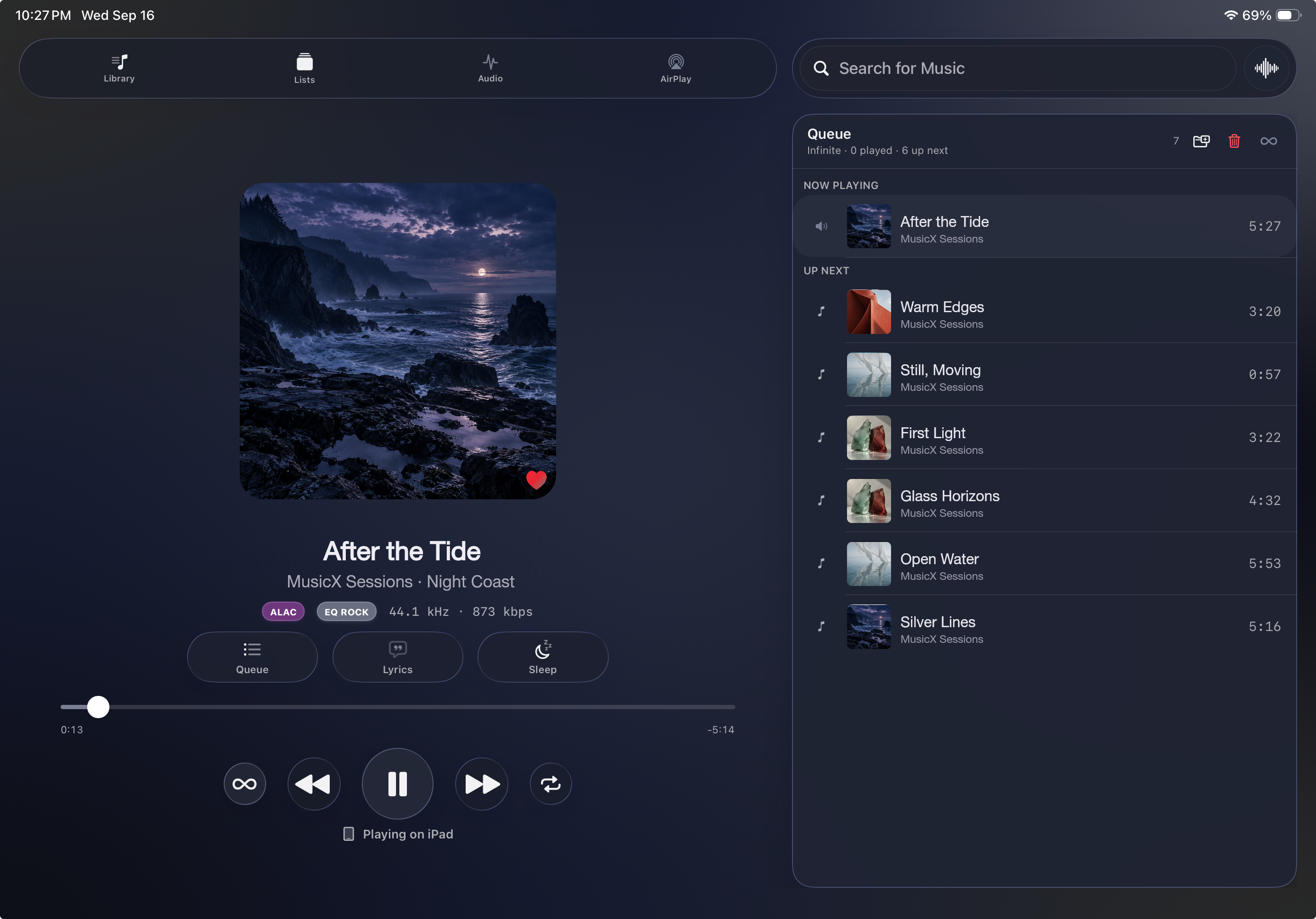
Albums in order. Playlists on shuffle. Infinite playback to keep your listening moving.
Made for the music you own
Your music.
Beautifully yours.
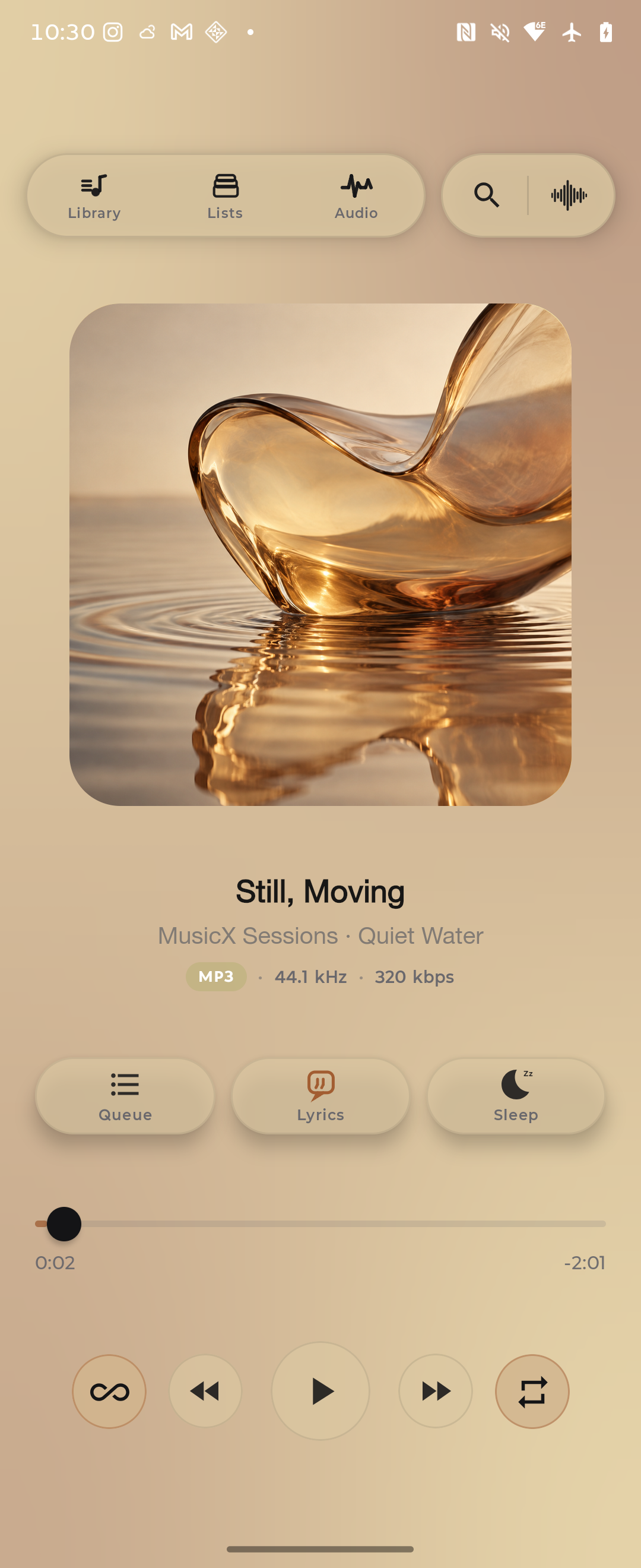
A player for the music you own, with gapless playback, automatic EQ, and timed lyrics from your own files.
Preview MusicX on iPhone, iPad and Mac. Listen from local storage, an iCloud music folder, or your SMB/NAS server, with colors drawn from your artwork. Android is under development.
Help test MusicX and earn lifetime Full Access, including every subscription feature, free at launch. We’re inviting up to 100 testers.
Request a private beta invitation · Public App Store release coming soon.
Your artwork sets the tone
A different album. A fresh look.
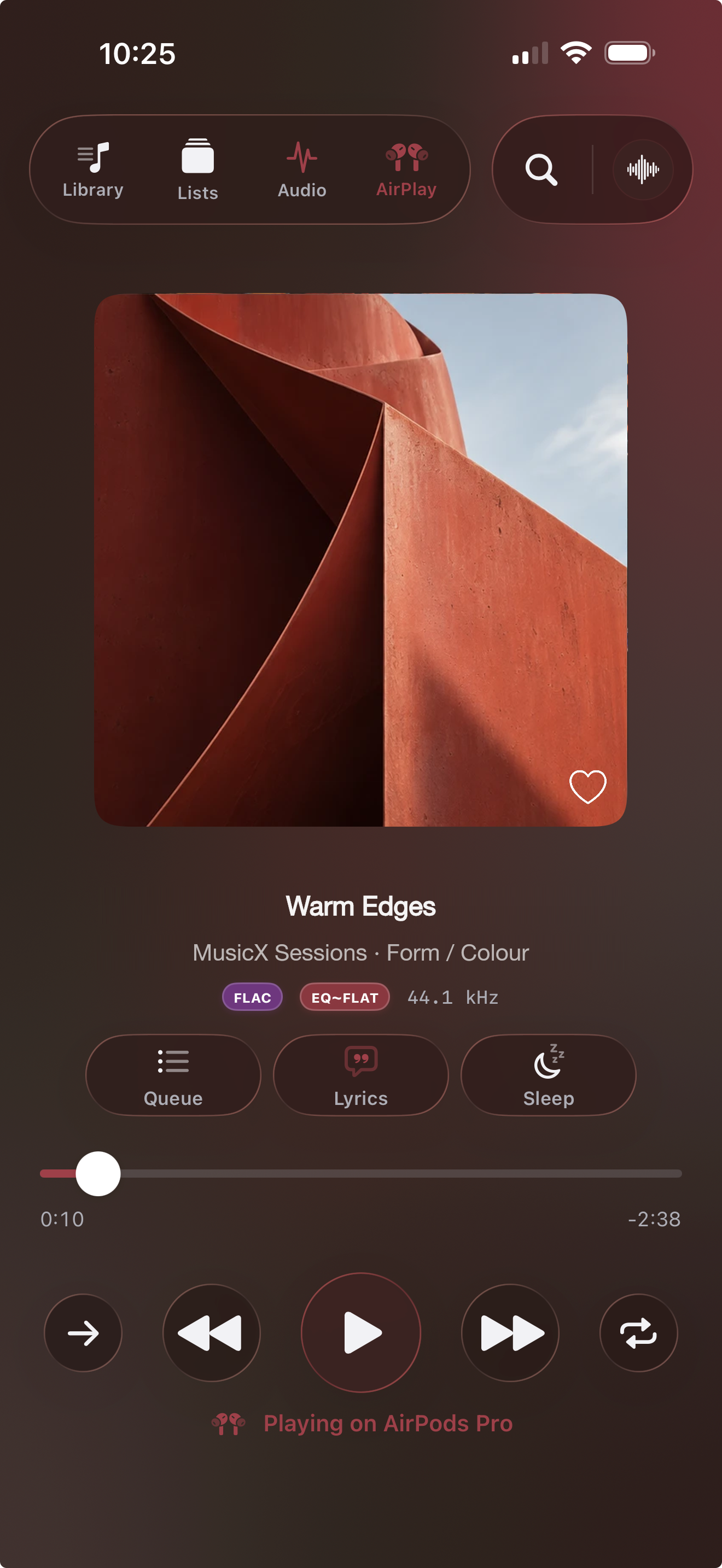
A home for the music you own
The albums you've collected. The files you've kept. Browse and play your own music, from local folders or the sources you connect. Import playlist files to organize music you already have access to.
Play these audio formats, from lossless files to MP3s.
Stream your own music
Keep your music in an iCloud folder or on your own NAS. Stream from a reachable source, or download selected music you own for offline listening. Cloud, sync, and download features require Full Access on Apple devices.
Apple development builds · Full Access
Choose an iCloud folder containing your own music on iPhone, iPad, or Mac. Use your existing storage plan and keep local and SMB sources alongside it.
Original local files can play offline. A streaming cache is different from music you choose to download and keep available.
Your existing iCloud storage

Listen on your Apple devices
iPhone, iPad & Mac with Full Access. iCloud is not an Android source.
To share library state, queue, and listening position on Apple devices, choose the same iCloud or SMB/NAS sync point. A sync point stores app state; transferring music files is a separate action.
On iPhone, iPad and Mac, listen from local files, an iCloud music folder, and SMB/NAS. Apple TV support is not included.
Android is under development. Features vary by build; iCloud is available only on Apple devices.
Remote playback
Keep the music playing on your Mac. Control it from your nearby iPhone or iPad, with the current song and queue at hand.
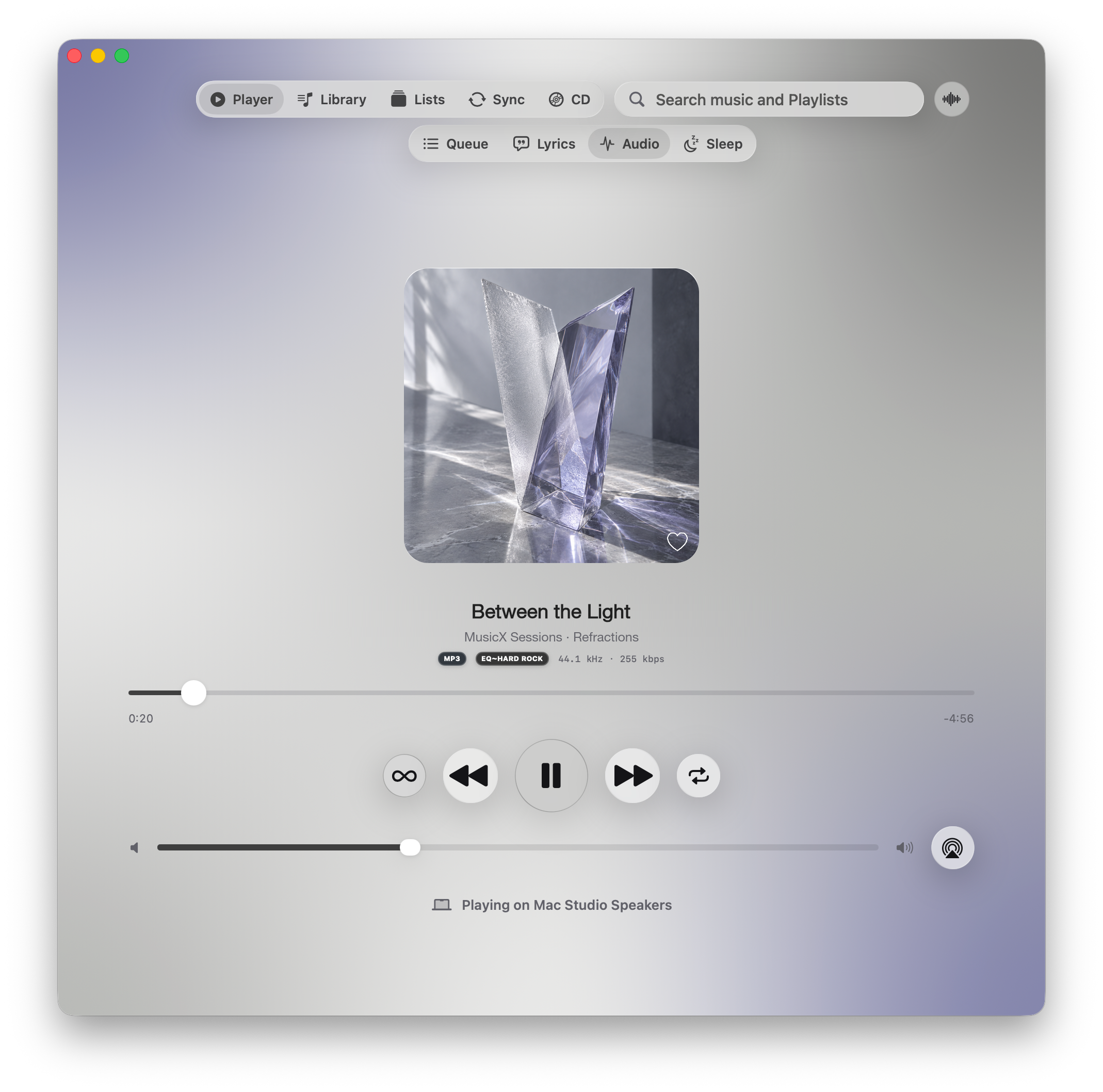
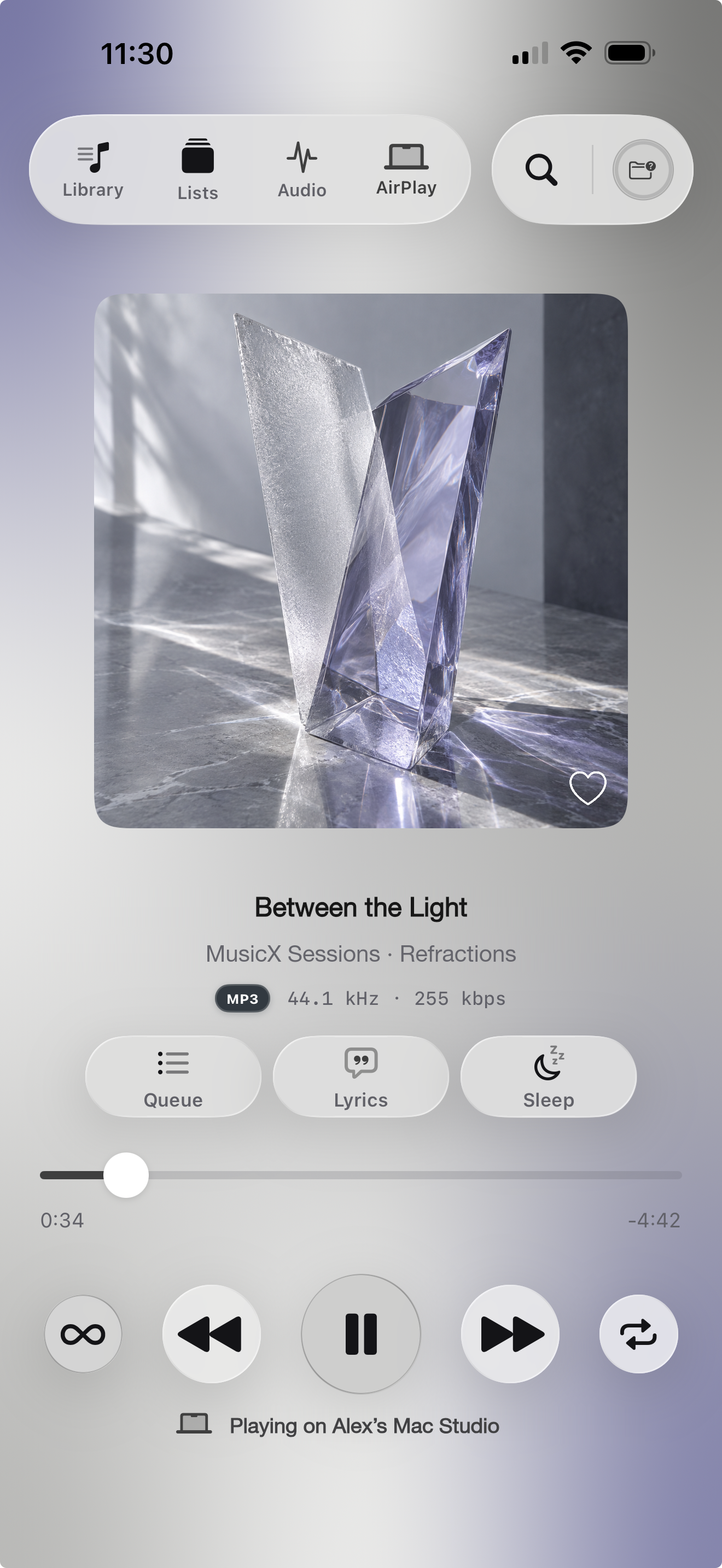
With Full Access, keep your listening position and queue at a shared iCloud or SMB/NAS sync point on Apple devices.
Control nearby Mac playback from iPhone or iPad, with Full Access and an authorized connection.
Connect the services you use. Nearby device pairing is separate from cloud sign-in.
True gapless playback
Keep the flow of live recordings and continuous albums intact. MusicX moves from one track to the next without adding a gap.
Automatic EQ
Automatic EQ follows the song's genre. You can also create presets and assign them to a song or an entire album.
Watch the preset change when the next song begins.
Music: Follow the Road by Josh Woodward, used under CC BY 4.0.
MusicX plays through your phone's USB wired audio connection. Headphone compatibility and output quality depend on your phone and connected hardware.
More than the play button
Albums in order. Playlists on shuffle. Infinite playback to keep your listening moving.
Import M3U, M3U8, PLS, XSPF, or WPL playlists for your own music. Choose which available source copy to prefer.
Move selected music between authorized MusicX apps. On Mac, send songs to supported USB/MTP players or bring files back to your library.
On Mac, play your audio CDs or rip them into music files with a compatible CD drive. Choose the format and destination for your collection.
Browse artwork, manage file metadata, and use ShazamKit identification where available.
Ask Siri to start your music. Shortcuts and widgets keep your collection close on supported Apple devices.
Read lyrics embedded in your music, or import your own plain text or LRC file. Timed highlighting needs timed lyrics. Lyrics details.
Features shown are development previews and vary by platform. Full Access is required for premium features. Network playback needs a reachable source; hardware and recognition support vary.
A more personal way to listen
A familiar player. Room for your own expression.
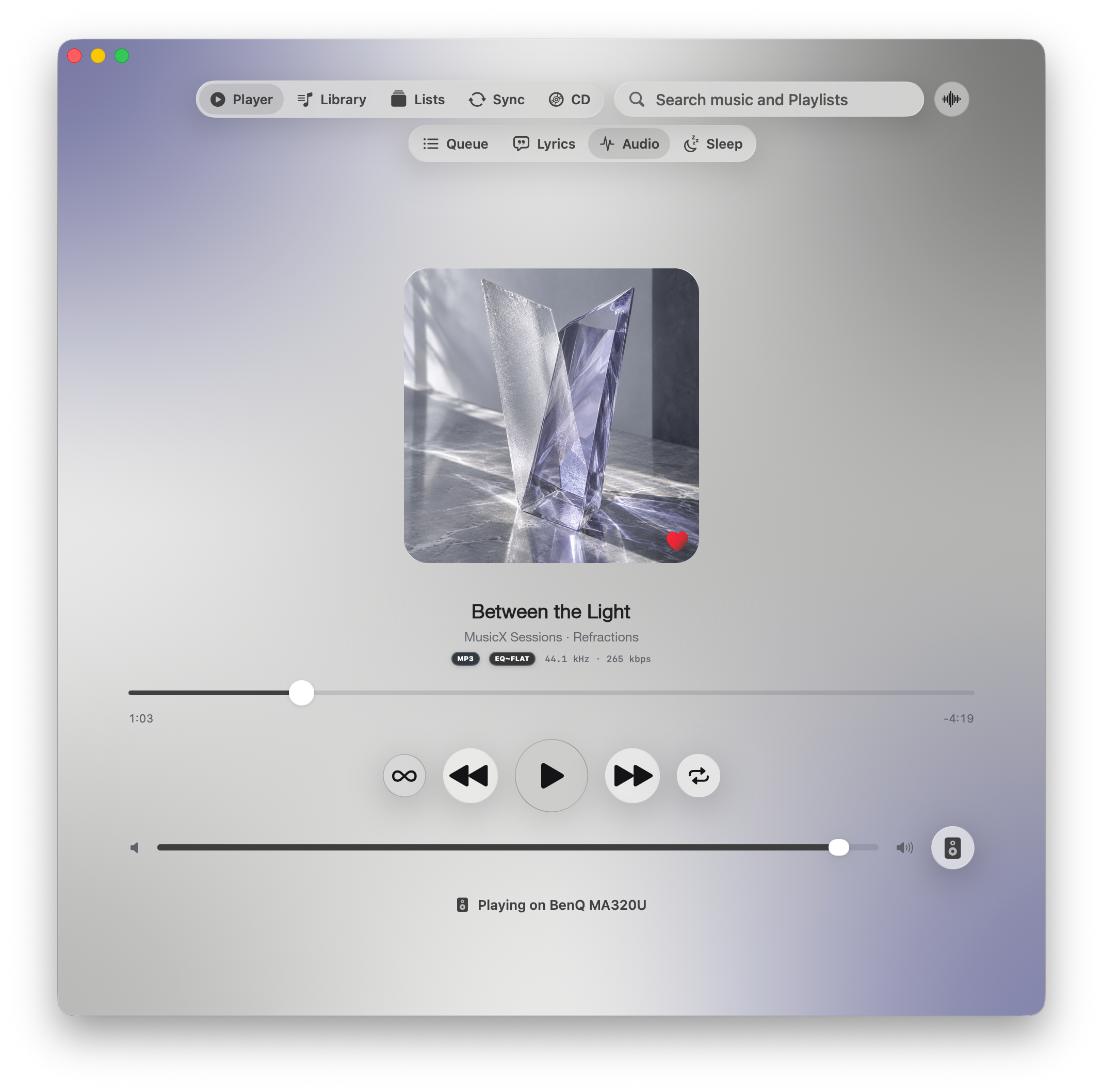
We’re inviting up to 100 people to test MusicX on iPhone, iPad and Mac. The 100 testers who help us test and share feedback will receive lifetime Full Access free at launch, including all subscription features. The TestFlight beta is free too. Invitations are sent privately by email.
Public downloads are not available yet. Android and Windows remain in development.
Join the MusicX beta